 Vodu
Vodu AI kiss video generator — animate a photo into a moment
Last updated: July 2026
An AI kiss video generator is an image-to-video effect: you upload a photo and AI adds gentle, believable motion to animate the moment. Vodu AI includes this feature on iPhone, so you can turn a still into a short, shareable clip in about a minute — a free AI kissing video generator app, no editing needed.
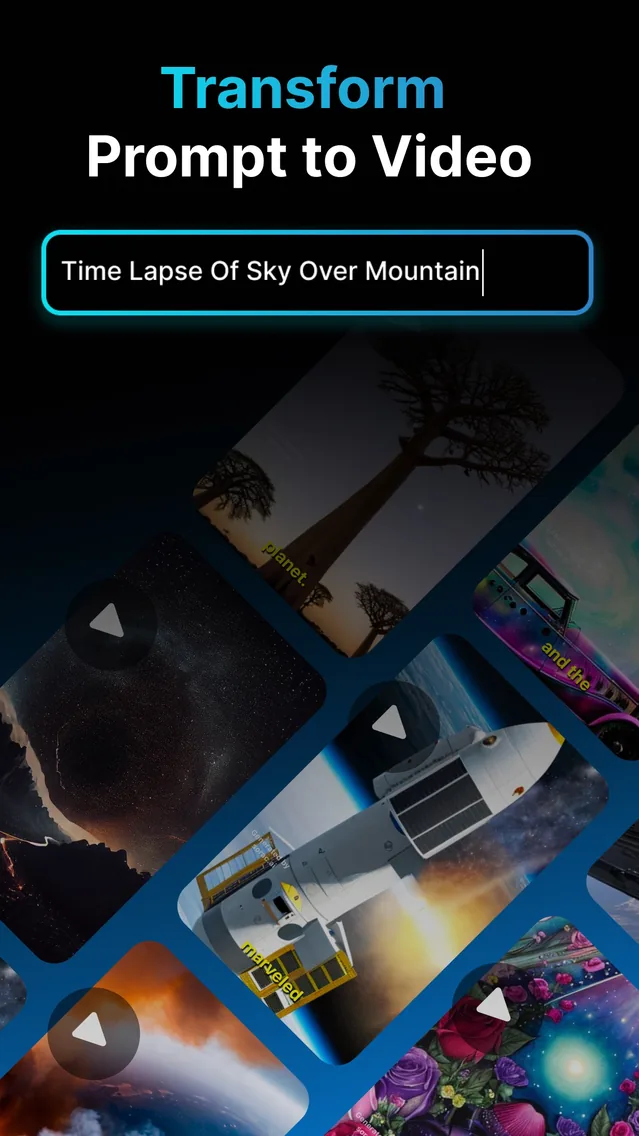
The “AI kiss” videos filling your feed are not filmed — they are generated. Under the hood, an AI kiss video generator is simply image-to-video: take a still photo and let AI add believable motion. Vodu AI includes exactly that feature, which is why it doubles as a free AI kissing video generator app without any of the trend's complexity. The app is rated 4.5 out of 5 from 24 App Store ratings (as of July 2026) and reached version 1.8 in December 2025 (App Store).
How to make one in Vodu AI
- Pick your photo. Choose a clear image you own or have permission to use. Well-lit, front-facing shots animate most cleanly.
- Open image-to-video. Upload the photo and describe the motion you want in a short prompt.
- Generate. Vodu creates a short animated clip, usually in about a minute. Regenerate if you want a softer or slower movement.
- Save and share. Keep the take you like and post it, or send it to the person in the photo.
Please keep it kind: only animate photos of people who have agreed to it, keep clips tasteful, and follow Vodu's terms of use and the rules of wherever you post. A fun effect should never be used to embarrass or misrepresent someone.
Why AI kiss videos took off
These clips spread because they turn a static memory into a moment that feels alive — and they take seconds to make. There is a nostalgia angle (animating an old couple photo), a romance angle (a cute clip to send a partner), and a novelty angle (seeing a still picture suddenly move). Because a free AI kissing video generator app removes any technical barrier, the format is easy for anyone to try and share, which is exactly what fuels a trend.
Tips for a clean animation
Image-to-video works best when the source photo cooperates. A few practical pointers:
- Use a sharp, well-lit photo — blur and heavy shadows confuse the motion.
- Prefer clear, front-facing faces without sunglasses or obstructions.
- Keep the prompt simple and gentle — small, natural movement reads better than dramatic motion.
- Regenerate a couple of times and keep the softest, most believable take.
Beyond the kiss clip
Because this is a general image-to-video feature, the same few taps animate far more than one trend:
- Bring an old portrait to life with subtle movement.
- Animate pet photos for a playful post.
- Add motion to artwork or illustrations.
- Turn a product shot into a short, eye-catching clip.
It is the same engine that powers Vodu's faceless video and AI movie workflows — one app, many creative uses.
Try the image-to-video effect
Download Vodu AI free and animate your first photo into a short clip in about a minute.
Frequently asked questions
How does an AI kiss video generator work?
It is an image-to-video effect. You provide a photo, and the AI adds gentle motion to animate the moment. In Vodu AI you upload your image, describe the movement you want, and the app generates a short animated clip from it.
Is the AI kissing video generator free?
Vodu AI is free to download and try, so you can make your first animated clip at no cost. Some generations and premium features may require an in-app purchase, shown inside the app before you buy.
Whose photos can I use?
Only photos you own or have clear permission to use. Do not animate images of people who have not agreed to it, and keep everything tasteful and within the app's terms of use and each platform's content rules. Consent first, always.
What else can I animate?
The same image-to-video feature animates all kinds of stills — portraits, pets, artwork, landscapes and product shots. The kiss clip is just one popular use of a general-purpose photo-animation tool.
Keep exploring

Written and reviewed by
Avery Taker
Avery Taker is the byline the Vodu AI creator team writes under — making AI images and videos every day and testing every workflow inside the app before it gets written up here. Illustrated avatar; full disclosure on the about page.