 Vodu
Vodu AI photo animator — bring a still picture to life
Last updated: July 2026
Vodu AI is an AI image animator for iPhone: pick a still photo and the app adds natural, believable motion, animating the picture into a short video in about a minute. This artificial-intelligence photo animation runs on your phone, free to download, with no editing timeline to learn.
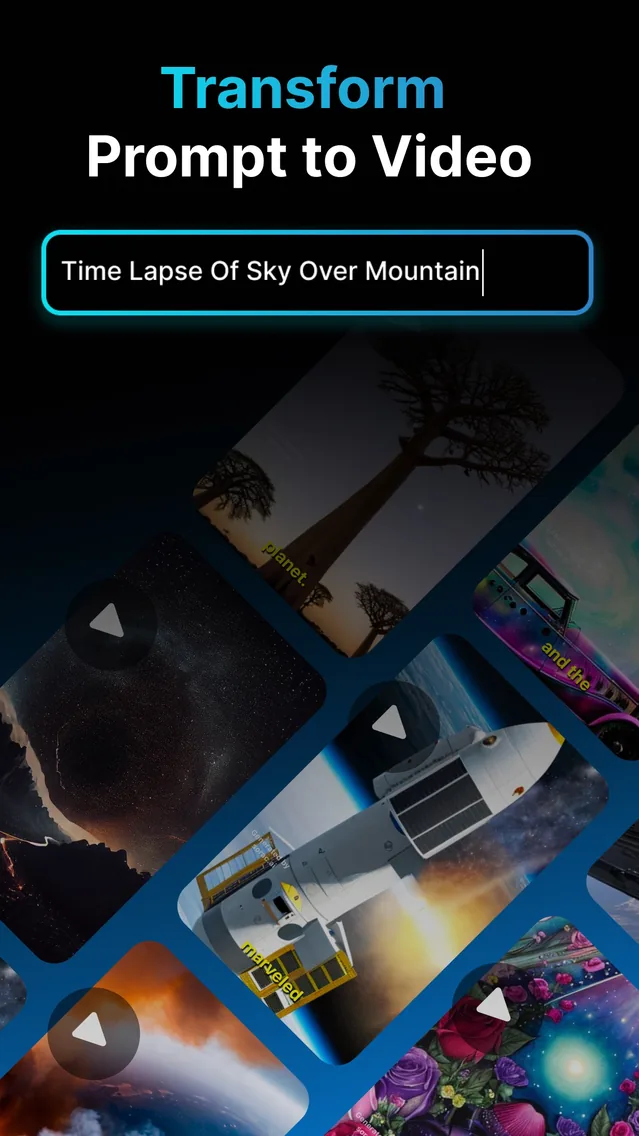
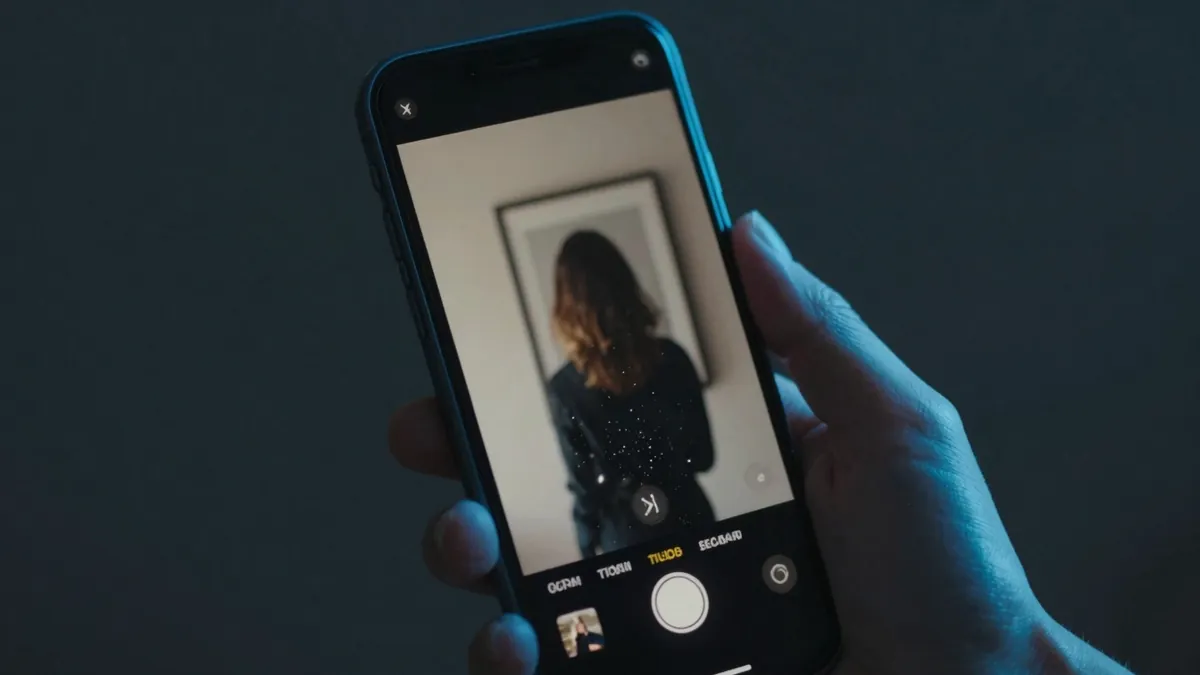
A photo animator adds movement to a picture that never moved before. Rather than sliding stills across the screen like a slideshow, an AI image animator predicts realistic motion — a smile forming, leaves stirring, a slow zoom — and renders it as true video. Vodu AI brings this to iPhone as part of its image-to-video engine, and the app is rated 4.5 out of 5 from 24 App Store ratings (as of July 2026), now on version 1.8 (App Store, December 2025).
How to animate a picture with AI
You can go from a still to a moving clip in four steps:
- Pick a photo. Choose a sharp, well-lit image you own or have permission to use.
- Open the animator. Select image-to-video in Vodu and upload the picture.
- Describe the motion. One short line — “soft smile, gentle head tilt” — guides the animate picture AI toward the movement you want.
- Generate and save. Vodu animates the photo in about a minute. Regenerate for subtler motion, then save or share.
What makes a photo animate cleanly
Artificial-intelligence photo animation is only as good as the source image, so a little care up front pays off:
- Use a sharp, well-lit photo — blur and deep shadows confuse the motion.
- Keep the subject clear and unobstructed; busy backgrounds compete for attention.
- Ask for small, natural movement first — it reads more believably than dramatic motion.
- Regenerate a couple of times and keep the most natural take.
Please animate kindly: only bring photos of real people to life when they have agreed to it, keep the results tasteful, and follow Vodu's terms of use and each platform's rules.
Make photo animation online free — or faster on your phone
Many people search for a way to “make photo animation online free.” Browser tools exist, but they often mean uploads, accounts and watermarks. Vodu takes the app route instead: it is free to download and try, and the whole job stays on your iPhone. If you animate a lot, premium plans start at $7.99 per week with one-time credit packs available (US App Store, as of July 2026), shown before you buy.
Beyond a single animated photo
The same feature powers more than one trick. It is the engine behind Vodu's image-to-video generator, its AI kissing generator and the AI hug video generator, and animated stills slot neatly into a longer edit — drop a couple of moving photos between text-to-video shots, then stretch the best one with AI video extension. For the full walkthrough, see how to animate a picture with AI.
Animate a photo now
Download Vodu AI free and bring your first still picture to life in about a minute.
Frequently asked questions
What is an AI photo animator?
An AI photo animator is a tool that adds natural motion to a still picture, turning it into a short video. Vodu AI includes one on iPhone: upload a photo, describe the movement, and it animates the image in about a minute using its image-to-video engine.
Can I animate a picture with AI for free?
Yes. Vodu AI is free to download and try, so you can animate your first picture at no cost. Extra generations and higher limits come through in-app purchases, with premium plans starting at $7.99 per week (US App Store, July 2026).
Is this online or an app?
Vodu is an iPhone and iPad app rather than a web tool. That keeps the whole process — upload, animate, save — on your phone, with no account juggling or file uploads to a website. Searches for “make photo animation online free” usually land on heavier desktop tools; the app route is faster for quick clips.
What kinds of photos animate best?
Clear, sharp, well-lit photos with an obvious subject. Portraits, pets, artwork and landscapes all animate cleanly. Blurry or very dark images give the AI less to work with, so the motion can look off.
Keep exploring

Written and reviewed by
Avery Taker
Avery Taker is the byline the Vodu AI creator team writes under — making AI images and videos every day and testing every workflow inside the app before it gets written up here. Illustrated avatar; full disclosure on the about page.