 Vodu
Vodu AI face swap app — swap faces in photos & videos
Last updated: July 2026
Vodu AI is a face swap app for iPhone. Upload a source face and the photo or clip you want to place it into, and its AI blends them so the swapped face matches the lighting and angle — fast, mobile face swaps for fun edits made with everyone's consent.
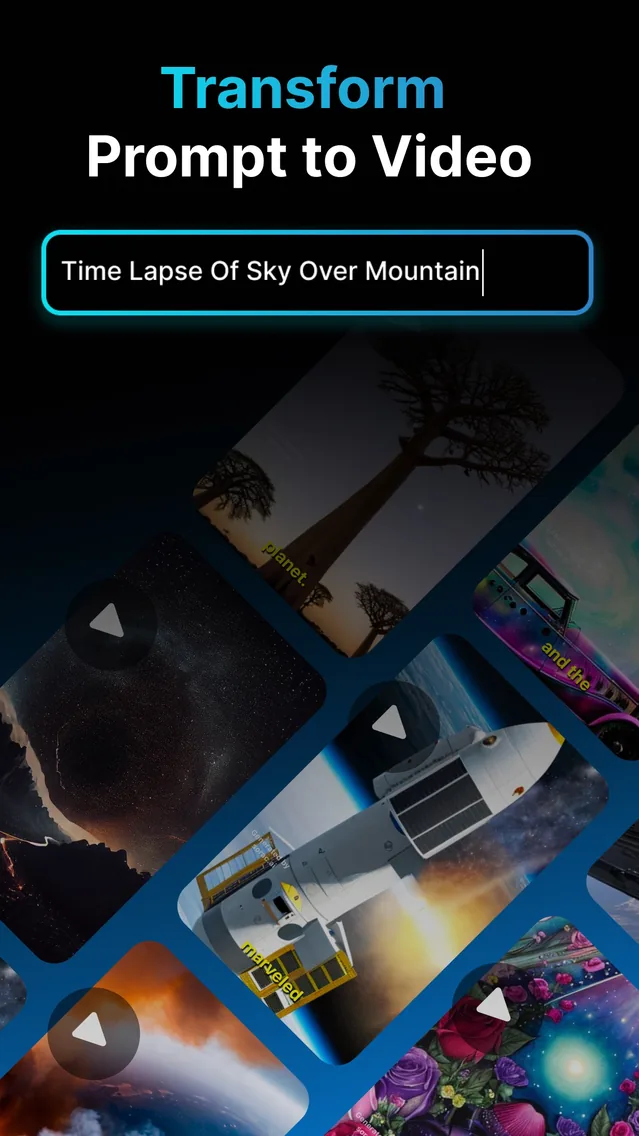
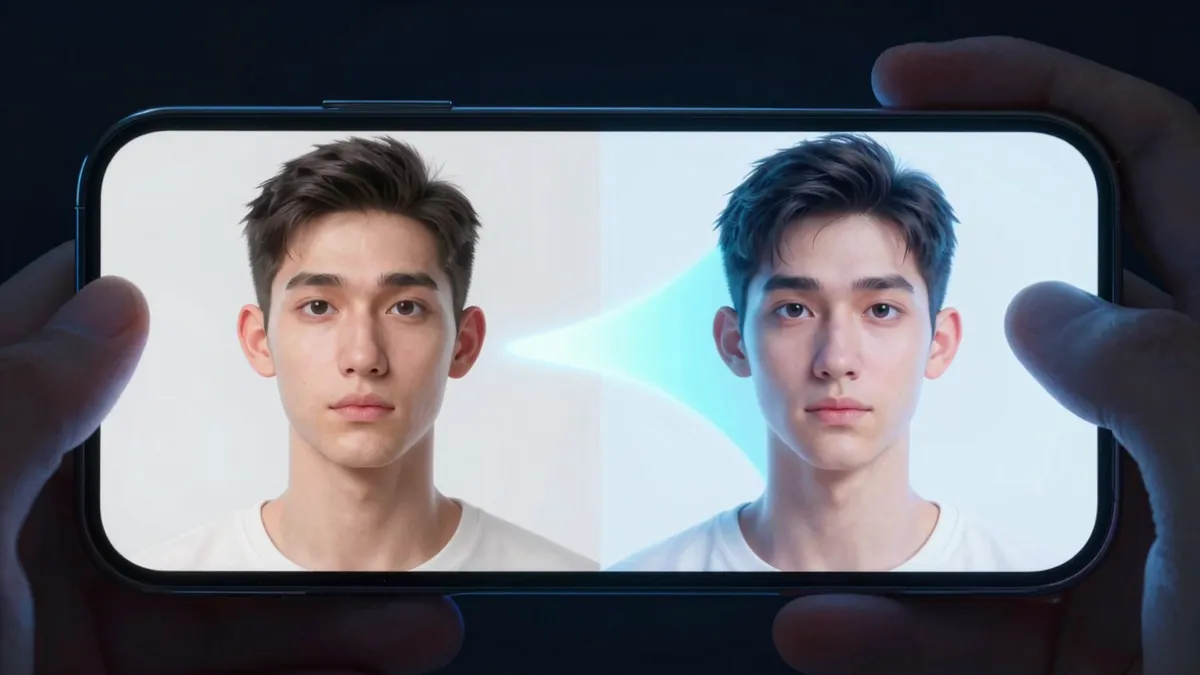
A face swap app replaces one face in a photo or video with another. An AI face swap goes further than a paste-on filter: it blends the new face to match the lighting, skin tone and angle of the target, so the result looks like one image rather than two. Vodu AI includes face swap on iPhone, and the app is rated 4.5 out of 5 from 24 App Store ratings (as of July 2026), now on version 1.8 (App Store, December 2025) — a mobile, free-to-start way to make quick, tasteful swaps.
What is an AI face swap?
An AI face swap uses machine learning to detect a face and map another face onto it, matching expression, angle and light. The best results read seamlessly because the AI adapts the swapped face to its new setting instead of stamping it flat. It is a popular format for memes, fan edits, harmless pranks and creative art — used honestly and with consent, it is simply a fun editing tool.
How to swap faces with Vodu
- Open face swap. Launch Vodu AI and choose the face-swap tool.
- Add your images. Upload the source face and the photo or short clip you want to place it into — using pictures of people who have agreed to it.
- Generate. Vodu detects the face and blends the swap to match the lighting and angle, returning a result in about a minute.
- Refine and share. Regenerate for a cleaner blend, then save it or share it as a photo or a short looping clip.
Quality tip: match the head angle and lighting between your two images. A front-facing source face swapped into a front-facing photo looks far more natural than mixing a side profile with a straight-on shot.
Face swap in photos and short videos
Vodu handles both a single photo and a short video clip, so you can make a still swap or a moving one and share it as a short loop — the kind of quick, shareable edit people look for when they search for a GIF face swap. Because it runs on your phone, the whole job stays mobile: upload, swap, export, post.
Trying the orange booth trend? Our hotel lobby AI video guide shows how to combine face swap and image-to-video to make it, with copyable prompts.
Other face swap tools people search for
Vodu is not the only face-swap tool, and it is fair to say where it fits. This is an honest comparison of the options people look up — not a claim to be any of them:
| Tool | Where it runs | Best for |
|---|---|---|
| Vodu AI face swap | iPhone app | Fast, mobile face swaps in photos and short videos. |
| Canva face swap | Web / app design tool | Swapping a face inside a larger graphic or template you are already designing. |
| Viggle AI face swap | Web tool | Animating and placing a character into a motion template. |
If you already build graphics in Canva or animate characters in Viggle, those fit that workflow. If you want a quick swap on your phone, Vodu is the more direct route. All three carry the same responsibility to use face swapping honestly.
Use face swap responsibly
Face swapping is fun, but it can do real harm when it is misused, so please treat these as firm rules, not fine print:
- Get consent. Only swap faces of people who have agreed to it. Never use a private individual's face without their clear permission.
- No impersonation or deception. Do not create content that passes a swap off as real, puts words or actions on a real person, or is designed to mislead — that includes public figures.
- No harassment or explicit content. Never use face swap to demean, sexualise, defame or harass anyone. Non-consensual or explicit deepfakes are harmful and, in many places, illegal.
- Follow the platform's rules. Instagram, TikTok, YouTube and others have policies on synthetic media and manipulated content; label edits where required and stay within Vodu's terms of use.
Used with consent and honesty, face swap is a genuinely fun creative tool. Used to deceive or harm, it is neither — and it is not welcome in Vodu.
Try a face swap responsibly
Download Vodu AI free and make a quick, tasteful face swap — with the consent of everyone involved.
Frequently asked questions
Is there a free face swap app?
Yes. Vodu AI is free to download and free to try, so you can make your first face swap at no cost. Extra generations and higher limits come through in-app purchases, with premium plans from $7.99 per week (US App Store, July 2026). The price is shown in the app before you buy.
Can Vodu swap faces in a video, not just a photo?
Yes. Vodu can swap a face in a photo or across a short video clip, blending the new face to match the lighting and angle. You can also share the result as a short looping clip. As always, only swap faces of people who have agreed to it.
Is face swapping legal and safe?
Face swapping for fun, art or memes is generally fine when everyone involved consents and you are not deceiving anyone. It becomes a problem when it impersonates a real person, is used to defame or harass, or breaks a platform's rules. Always get permission, avoid passing a swap off as real, and never use it on a private individual without consent.
What about Canva or Viggle AI face swap?
They serve different needs. Canva's face swap sits inside its web-based design tool, handy when you are already building a graphic. Viggle AI is a web tool focused on animating a character into a motion template. Vodu's angle is a fast, mobile face swap for photos and short videos on iPhone. Pick the one that matches where you are working.
What makes a good face swap?
Clear, front-facing photos with even lighting and a similar head angle in both images. Matching the angle and light between the source face and the target is what makes a swap look natural; blurry, dark or extreme side-angle photos are the usual reason a result looks off.
Keep exploring

Written and reviewed by
Avery Taker
Avery Taker is the byline the Vodu AI creator team writes under — making AI images and videos every day and testing every workflow inside the app before it gets written up here. Illustrated avatar; full disclosure on the about page.