 Vodu
Vodu AI video extenders, compared
Last updated: September 2026
The most useful AI video extenders right now are Magic Hour (three free 5-second extensions a day, no account), Kling (4–5 seconds a pass, chainable to three minutes), Media.io (the clearest published limits, $6.99 a month) and video-extend.com (pick the underlying model). If the clip is already on your iPhone, Vodu AI extends it in the same free app that generated it. Higgsfield, GoEnhance, PixVerse, ImagineArt and ToMoviee each own a narrower case below.
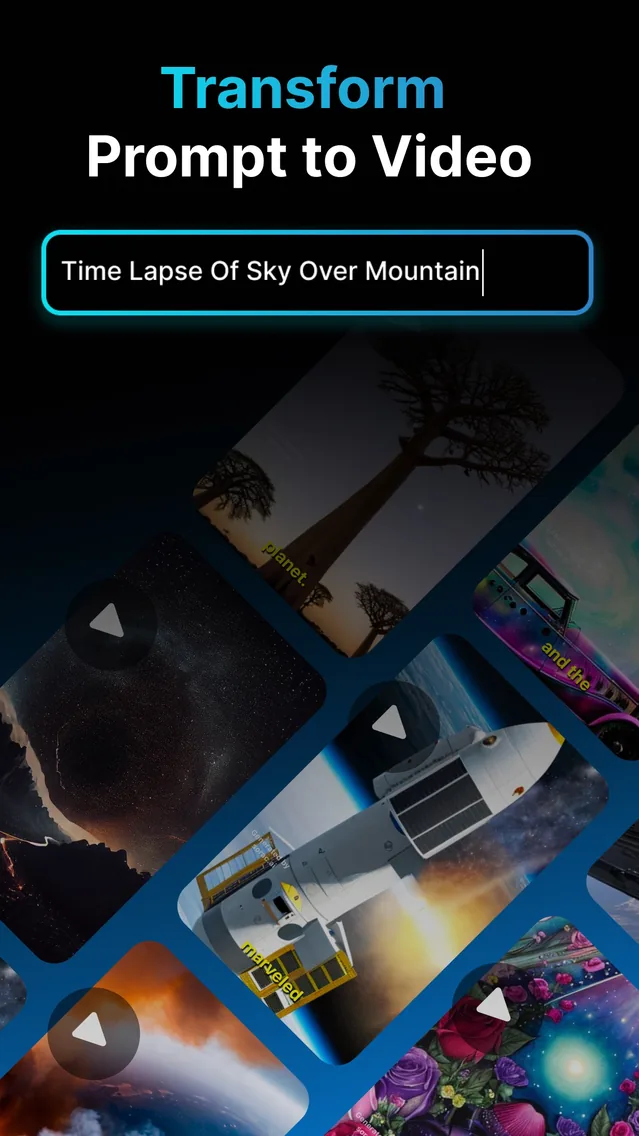
Every tool below was read on 13 September 2026, and every claim comes from what that tool publishes on its own feature or pricing pages. Where a tool does not state something — and several do not publish prices in any form a browser can read — this page says so rather than filling the gap from a third-party listicle. Vodu AI is our own app; it is ranked where it genuinely fits, which is the iPhone slot, not the top of everyone's list.
Ten AI video extenders, and what each one is actually for
1. Vodu AI
Best when the clip is already on your iPhone
Video extension is one of the four tools inside Vodu AI, alongside text-to-video, image-to-video and AI photo editing — so a clip you generated in the app can be lengthened without exporting it anywhere. It is the only pick here that is an iPhone app first rather than a website, and there is no separate web account to create. Vodu does not publish a fixed seconds-per-extension figure; the app shows the limits when you pick a clip.
Pricing: Free to download · $7.99/week or $99.99/year · Platform: iPhone & iPad
2. Magic Hour
Best free try, and the only one you can use with no account
Magic Hour's extender states “no account, no sign up, and nothing to install”, and gives three free extensions a day at five seconds each. Its pricing page says free outputs may include a watermark and that paid plans remove it. Uploads are capped at 200MB. There are no controls to speak of — it extends, and that is the appeal.
Pricing: 3 free extensions/day · plans from $12/month (yearly billing) · Platform: Web
3. Kling
Longest documented ceiling
Kling's own guide describes 4–5 seconds per continuation and says multiple continuations can reach a total length of up to three minutes. It offers both an Auto-Extend mode that continues the shot with no prompt and a Customized Extend mode driven by a “subject + movement” prompt. Its membership prices are rendered in-app and were not readable on the web on 13 September 2026, so check them inside Kling.
Pricing: Prices not published in a readable form · Platform: Web
4. Media.io
Clearest published spec, lowest readable price
The only tool here that puts a hard input spec next to the button: 4–60 second clips, mp4 or mov, 720p, 500MB maximum, with creations stored for seven days. Extension length is chosen from a selector that defaults to 5 seconds. The free trial runs on daily check-in credits and exports with a watermark; the Standard plan removes it.
Pricing: Free trial (watermarked) · Standard $6.99/month · Platform: Web
5. video-extend.com
Best if you want to pick the model
A single-purpose site that lets you choose which engine does the work — Kling, Veo 3.1 Fast or Wan — and publishes the credit cost of each. It extends by 5–10 seconds, states that no account and no credit card are needed to start, and caps uploads at 50MB for video. Its Lite plan is listed at $14/month for 800 credits, although the monthly/yearly toggle renders ambiguously, so confirm the figure before subscribing.
Pricing: Free credits to start · Lite listed at $14/month · Platform: Web
6. GoEnhance
Biggest single extension claimed
GoEnhance says it can generate up to a minute of additional video per extension — the largest single-pass claim of anything checked here — and can keep the original audio or add background music. It recommends clips under 30 seconds in MP4 for the most reliable results. A free tier with “some tokens” exists; watermark-free and HD exports require a paid plan, and no plan price was readable on 13 September 2026.
Pricing: Free tokens · paid plan prices not readable · Platform: Web & mobile browser
7. Higgsfield
Only one claiming backward extension
Higgsfield extends in both directions — forward or backward from your clip — and targets exact output lengths and seamless loops, which none of the others claim. It runs in the browser with a mobile app that carries daily free credits. Its help centre says there is no trial period, and its pricing page did not render any plan data on 13 September 2026.
Pricing: Daily free credits in the app · prices not readable on the web · Platform: Web & mobile app
8. PixVerse
Best for programmatic use
The only one of these with a documented public API for extending: 5 or 8 second durations, mp4/mov input, 30 second maximum input length, 1920 maximum resolution, with a published per-video credit table on the developer platform. Consumer pricing pages returned HTTP 403 to every attempt on 13 September 2026, so the in-app plan prices are not quoted here.
Pricing: Developer pricing published · consumer plan prices unreadable · Platform: Web & API
9. ImagineArt
Extends with generated audio — but not on the free plan
ImagineArt is the only one here that claims audio generated along with the extended video, and states an output ceiling of about 30 seconds (its feature page also says 30–60 seconds depending on content, which is worth noting). The catch is explicit in its own FAQ: “a subscription is required for all AI video generation models”, so the 100 free daily credits do not reach the extender at all.
Pricing: Free credits cannot be used for video · Ultimate listed at $26/month · Platform: Web
10. ToMoviee
Most variations per run
ToMoviee lets you choose how many variations of the extension to generate in one pass, and is one of the few with genuine iOS and Android apps as well as a browser version. It offers starter credits free. It publishes no length, format or resolution specification for the extender anywhere on the feature page.
Pricing: Starter credits free · from $8.99/month (first purchase, $9.99 list) · Platform: Web, iOS & Android
Side by side
| Tool | Free tier | Account needed? | Adds per extension | Cheapest paid |
|---|---|---|---|---|
| Vodu AI | Free to download, free to start | No web account | Not published; shown in app | $7.99/week or $99.99/year |
| Magic Hour | 3 per day, 5s each, may be watermarked | No | 5 seconds | From $12/month (yearly) |
| Kling | Not published readably | Not stated | 4–5s, up to 3 min chained | Not published readably |
| Media.io | Daily check-in credits, watermarked | Not stated | 5 seconds (selector) | $6.99/month |
| video-extend.com | Free credits for new users | No | 5–10 seconds | Lite listed at $14/month |
| GoEnhance | Some free tokens; watermark on free | Not stated | Up to 1 minute | Not published readably |
| Higgsfield | Daily free credits in the app | Not stated | Not stated (forward or backward) | Not published readably |
| PixVerse | Daily credits for registered users | Yes | 5 or 8 seconds | Consumer prices unreadable |
| ImagineArt | Free credits exclude video | Not stated | Up to 30 seconds, with audio | Ultimate listed at $26/month |
| ToMoviee | Starter credits | Not stated | Not stated | $8.99/month first purchase |
Prices and free allowances move constantly and several of these pages localise currency by country. Treat the table as a snapshot of 13 September 2026 and confirm on the tool's own page before paying.
How to read a free tier on an extender
Three things separate a usable free tier from a demo, and the wording is always on the page if you look for it:
- Does the free tier reach the extender at all? ImagineArt's own FAQ says a subscription is required for every video model, so its 100 daily free credits never touch video extension. That is the difference between a limited free tier and no free tier.
- Watermark or not. Media.io states that the free trial exports with a watermark; Magic Hour says free output may include one; GoEnhance ties watermark-free exports to a paid plan. A watermarked extension is fine for judging quality and useless for posting.
- Account or no account. Only Magic Hour and video-extend.com state outright that you can start without creating one. Vodu needs no separate web account either, since the App Store account on your iPhone handles everything.
What every one of these tools shares
The technique is the same everywhere, so the failure mode is too. The model reads the final frames of your clip — lighting, subject, direction of travel — and generates what plausibly comes next. It does not know what actually happened after you stopped recording. Faces drift first, then backgrounds reshape, and extending an extension compounds the error because the model is now predicting from its own output.
Practical advice that applies to all ten: trim back to the last clean, sharp frame before you extend, extend in small steps, and keep the take that still matches. Shots with motion but no fixed identity — water, clouds, traffic, fire, crowds seen wide — extend almost invisibly. A tight close-up of one recognisable person is the hardest case for every tool on this list. There is more detail on our AI video extender page, including how extension differs from looping, slow motion and a freeze frame.
Where Vodu AI honestly fits
Vodu is not the tool to pick if you want the longest possible extension, the widest model choice or a desktop workflow — Kling, video-extend.com and the web platforms have those angles covered. It fits one situation better than any of them: the clip is on your iPhone, often because Vodu generated it, and you want another beat without exporting to a browser, making an account or buying credits before you can judge the result. Extension sits next to text-to-video, image-to-video and AI photo editing in the same app, it is free to download, and it is rated 4.5 out of 5 from 32 App Store ratings (App Store, as of September 2026).
More comparisons
Same method — every figure read off the tool’s own pages, and our own app ranked where the evidence puts it — applied to a different shortlist:
- Kling AI alternatives — the general text- and image-to-video generators.
- CapCut alternatives — the phone editors people leave CapCut for.
- AI kiss generator alternatives — the photo-to-kiss tools.
- Best AI video apps, ranked — the wider 2026 roundup.
Extend a clip on your phone
Download Vodu AI free, pick a video that ends too early, and add new frames — not a loop, not slow motion.
Frequently asked questions
What is the best AI video extender?
It depends what you are extending with. Magic Hour is the easiest free try — three 5-second extensions a day with no account. Kling documents the longest ceiling, chaining 4–5 second continuations up to three minutes. Media.io publishes the clearest input spec and the lowest readable price. Vodu AI is the pick when the clip is already on your iPhone and you want to extend it in the same app that generated it.
Is there a genuinely free AI video extender?
Free-to-try, yes; free-forever, no. Magic Hour states three free extensions a day at five seconds each with no sign-up, and notes that free outputs may carry a watermark. Media.io's free trial gives daily check-in credits and exports with a watermark. Vodu AI is free to download and free to start, with in-app purchases beyond that ($7.99 per week or $99.99 per year, US App Store, as of July 2026). Generating frames costs compute, so every tool meters it somehow.
Which AI video extenders work without an account?
Two of the ones checked here state it plainly: Magic Hour (“no account, no sign up, and nothing to install”) and video-extend.com (“No account creation and no credit card are required to start”). Vodu AI has no separate website account either — you install the app and open it, and purchases run through the Apple account already on your iPhone.
How many seconds can you add to a video?
It varies by tool and most of them publish a number: Magic Hour 5 seconds per extension, PixVerse 5 or 8 seconds, video-extend.com 5–10 seconds, Kling 4–5 seconds per pass but up to three minutes total by chaining, GoEnhance up to one minute per extension, ImagineArt up to 30 seconds. Vodu does not publish a fixed number — the app shows the limits when you pick a clip.
Does an AI extension look like the original footage?
For a short continuation, usually. The model reads the last frames for lighting, subject and camera direction, so the join is often invisible on water, crowds, traffic or abstract motion. The further you push it, the more it drifts — faces soften first, then backgrounds reshape. This is true of every tool on this page, not just one of them. Extend in small steps and stop one step early.
Keep exploring

Written and reviewed by
Avery Taker
Avery Taker is the byline the Vodu AI creator team writes under — making AI images and videos every day and testing every workflow inside the app before it gets written up here. Illustrated avatar; full disclosure on the about page.