 Vodu
Vodu AI video extender — make a clip longer
Last updated: September 2026
An AI video extender continues a clip past its last frame by generating new footage that matches it. Video extension is built into Vodu AI on iPhone: pick a clip that ends too early, extend it, and keep the take that still looks like the original — free to download, no desktop editor needed.
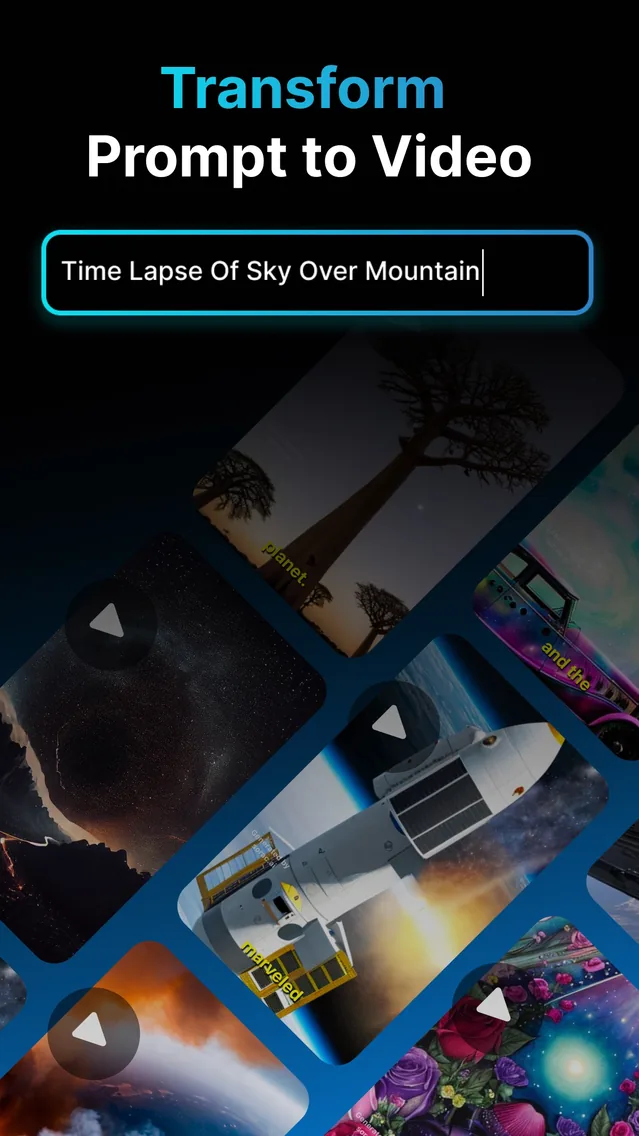
An AI video extender takes a clip that stops too soon and generates more of it. Not a loop, not a slow-motion stretch, not a freeze on the final frame — genuinely new frames that carry the same subject, light and camera move forward in time. Vodu AI ships this as video extension, one of the four tools in the app alongside text-to-video, image-to-video and AI photo editing. It is free to download, rated 4.5 out of 5 from 24 App Store ratings (as of July 2026), and on version 1.8 (App Store, December 2025).
What video extension actually does
The model reads the end of your clip — the last frames, the direction things are moving, the lighting and the framing — and predicts what comes next. It then renders that prediction as new video and joins it to what you already had. Because it is predicting rather than copying, the extension is original footage, which is what makes it different from every other way of stretching a video.
That is also its limitation, and it is worth being straight about it: the model has no idea what actually happened after you stopped recording. It produces something plausible, not something true. On a landscape, a crowd or an abstract shot, plausible is all you need. On a close-up of a specific person, plausible starts to look like a stranger fairly quickly.
Extend a video on iPhone in three steps
- Pick the clip. Open Vodu AI, choose video extension, and select a video from your camera roll — footage you shot, or a clip Vodu generated for you.
- Extend. Let the app generate the continuation. Like the rest of Vodu, it is a matter of about a minute rather than a render queue.
- Judge the join, then repeat or stop. Watch the seam. If the new footage still matches, you can extend again from the longer version; if it has drifted, undo and settle for the shorter cut.
How much longer can you go before it breaks
There is no single number, because it depends far more on the shot than on the app. What is consistent is how it fails, so you know what to watch for:
- Faces go first. Identity is the hardest thing to hold. A recognisable person will start to look like a sibling before anything else in the frame looks wrong.
- Backgrounds reshape. Signs, text, patterned walls and crowds gradually rearrange themselves, because the model is inventing detail it never saw.
- Motion changes pace. A steady camera move can accelerate or drift sideways in the generated section.
- Errors compound. Extending an extension means the model is predicting from its own output. Each round is further from your original footage than the last.
The practical rule: extend in small steps, watch the join each time, and stop one step before you think you need to. A clean two-second continuation that nobody notices is worth more than six seconds that make a viewer squint.
One preparation step is worth more than any setting: trim the tail before you extend. The model reads the final frames of your clip to work out what happens next, so if those frames are blurred by a camera wobble, half-covered by a hand reaching for the stop button, or already fading out, that is the material it builds on. Cut back to the last clean, sharp frame first. It costs you a fraction of a second of original footage and it noticeably improves everything that follows.
Best candidates: shots with movement but no fixed identity — water, clouds, traffic, fire, fog, crowds seen wide, abstract motion. They extend almost invisibly. Tight close-ups of one person are the hardest case.
Extension vs looping vs slow motion vs freeze frame
Four ways to make a video longer, and they are not interchangeable:
| Method | What happens on screen | Use it when |
|---|---|---|
| AI extension | New frames continue the shot | You need the moment to carry on, not repeat |
| Looping | The same frames replay from the start | The motion is cyclical — waves, a spinning object, an ambient background |
| Slow motion | Existing frames are stretched over more time | You want emphasis, and the footage has frames to spare |
| Freeze frame | One frame holds still | You are ending on a beat or a title card |
Loops give themselves away the moment anything in the frame is unique, and slow motion softens the whole shot to buy a second. Extension is the only one of the four that adds something that was not there.
When extending a clip is the right call
- An AI clip that ends mid-thought. Generated shots are short by nature. Extension is how a text-to-video or image-to-video result becomes a usable shot rather than a fragment.
- A Reel or Short that has to hit a length. Rather than padding with a title card, give the hero shot the extra beat it needed. Our AI reel and shorts generator workflow leans on this.
- A trailer beat. A cut lands better when the shot before it has room to breathe. Extend, then trim back to the exact frame you want.
- Room for a voiceover line. When the narration runs two seconds past the footage, extend the picture instead of rewriting the line.
- Space for a transition. Cross-fades and whip cuts eat frames at both ends; extension gives you the handles.
What extension will not fix
Every tool that does this shares the same limits, incidentally — we compared ten of them, including Magic Hour, Kling, Media.io and video-extend.com, on our AI video extenders compared page.
It adds time, not quality. A blurry, shaky or badly exposed clip extends into more blurry, shaky footage — and it will not resurrect something you never filmed, un-blur a face, or change what happens in the shot. If the shot is wrong rather than short, regenerating it from a better prompt in script to video is the faster fix.
Free vs paid
Vodu AI is free to download and free to start, so your first extension costs nothing and you can see how well it holds up on your own footage before deciding anything. Sustained use is where the in-app purchases come in: premium plans are $7.99 per week or $99.99 per year, with one-time credit packs available (US App Store, as of July 2026), always shown before you buy. Full details are in our pricing sheet.
Make your clip longer
Download Vodu AI free and extend a video that ends too early — new frames, not a loop.
Frequently asked questions
Is there a free AI video extender?
Vodu AI is free to download and free to start, so you can extend a clip and judge the result before paying anything. Each extension generates new frames on a server, so sustained use runs through in-app purchases — $7.99 per week or $99.99 per year, with one-time credit packs (US App Store, as of July 2026). The app shows the price before you buy.
Do I need to sign up?
No separate website account. You install Vodu AI on your iPhone, open it, and use the feature; purchases go through the Apple account already on the device.
Will the extended part look like the original?
Usually it matches well for a short continuation, because the model is reading the last frames of your clip for lighting, subject and camera direction. The further you push it, the more it drifts — faces soften, backgrounds reshape, and the motion can change speed. Extend in small steps and keep the take that still matches.
What video length and format can I upload?
Vodu works with the clips already in your iPhone camera roll, including videos it generated itself. The exact length ceiling and any per-plan limits are shown in the app when you pick a clip — they move with app versions, so the screen in front of you is the source of truth rather than a number on a web page.
Is this the same as looping or slowing a clip down?
No. A loop replays frames you already have and slow motion stretches them, so nothing new happens on screen. AI extension generates frames that did not exist, so the shot genuinely continues past its last frame.
Keep exploring

Written and reviewed by
Avery Taker
Avery Taker is the byline the Vodu AI creator team writes under — making AI images and videos every day and testing every workflow inside the app before it gets written up here. Illustrated avatar; full disclosure on the about page.